
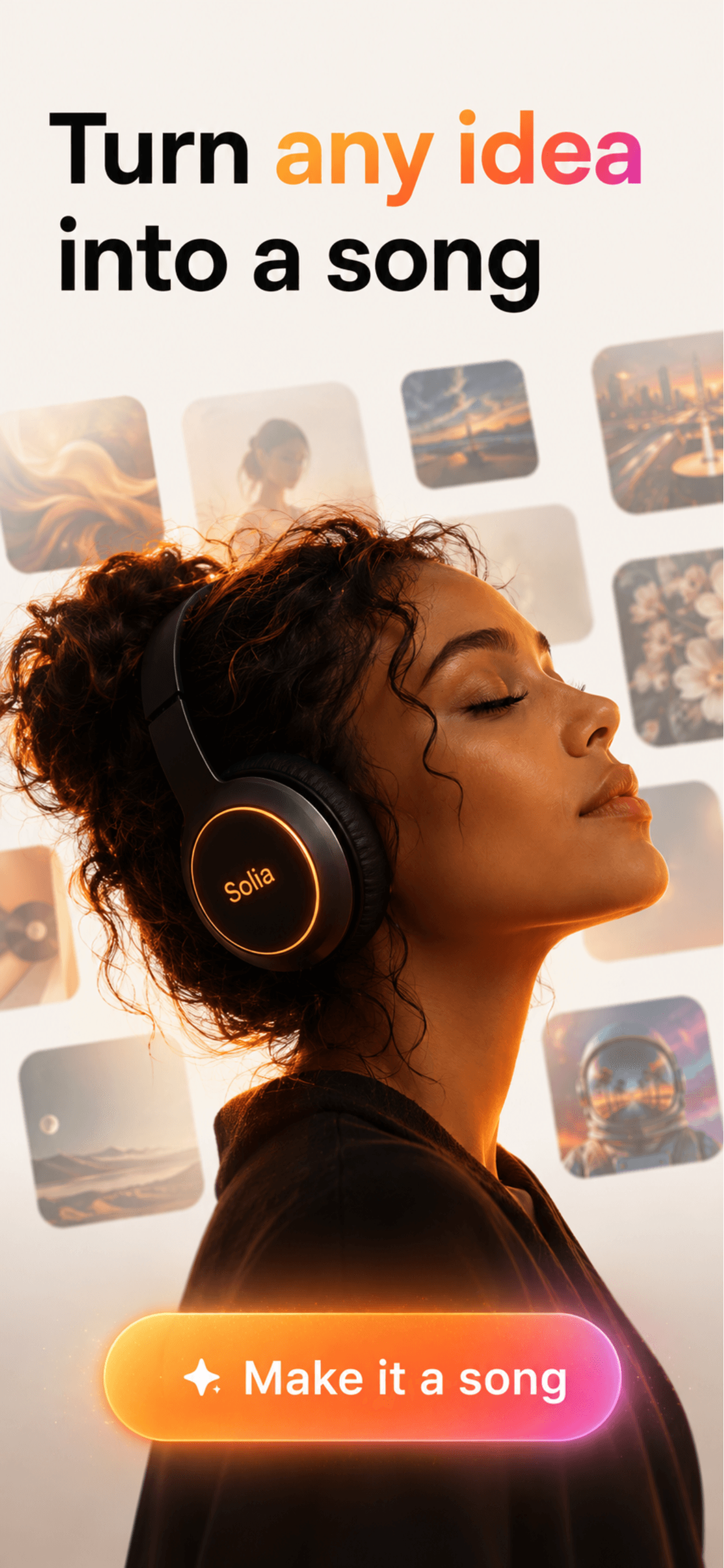
Turn anything into a song.
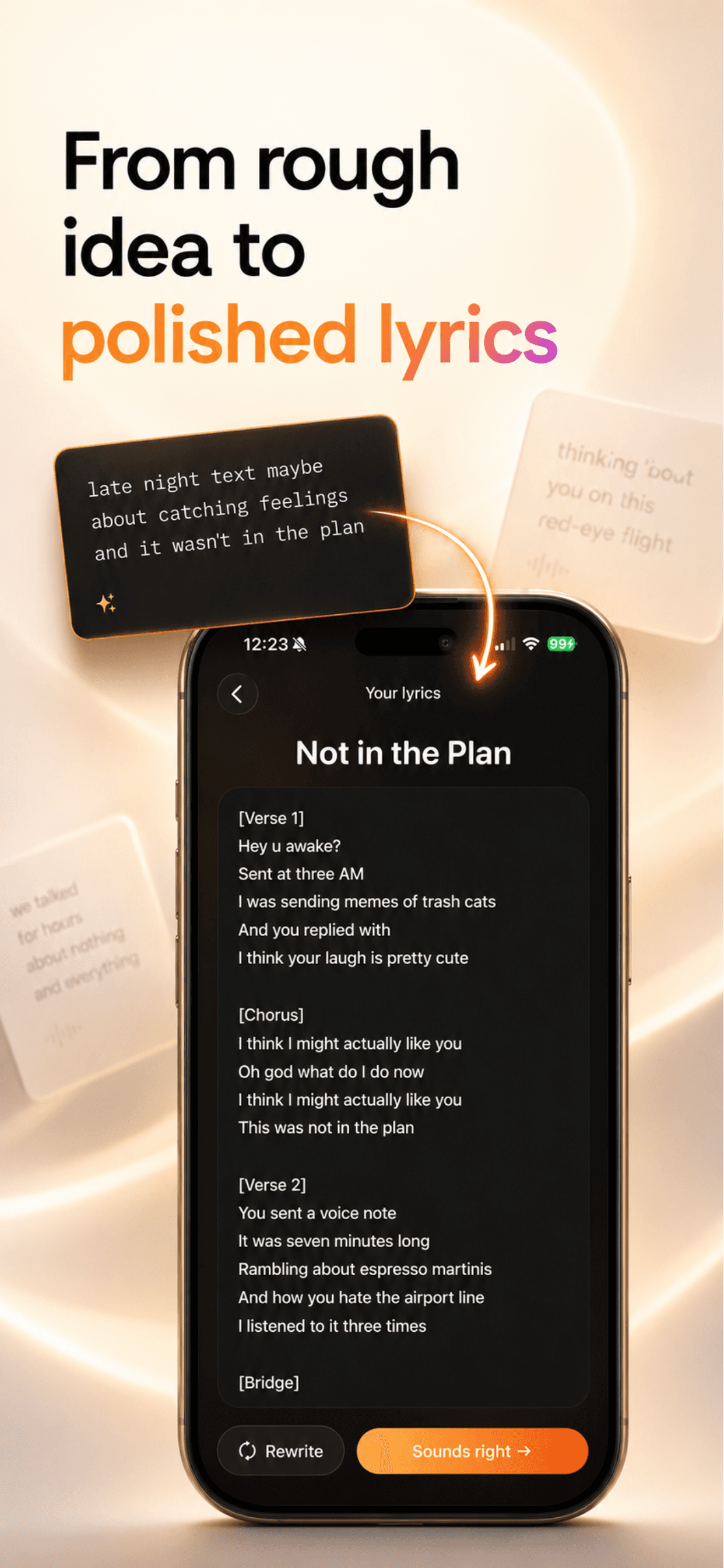
A screenshot, a photo, or one line of an idea. Solia writes the lyrics and makes the track.

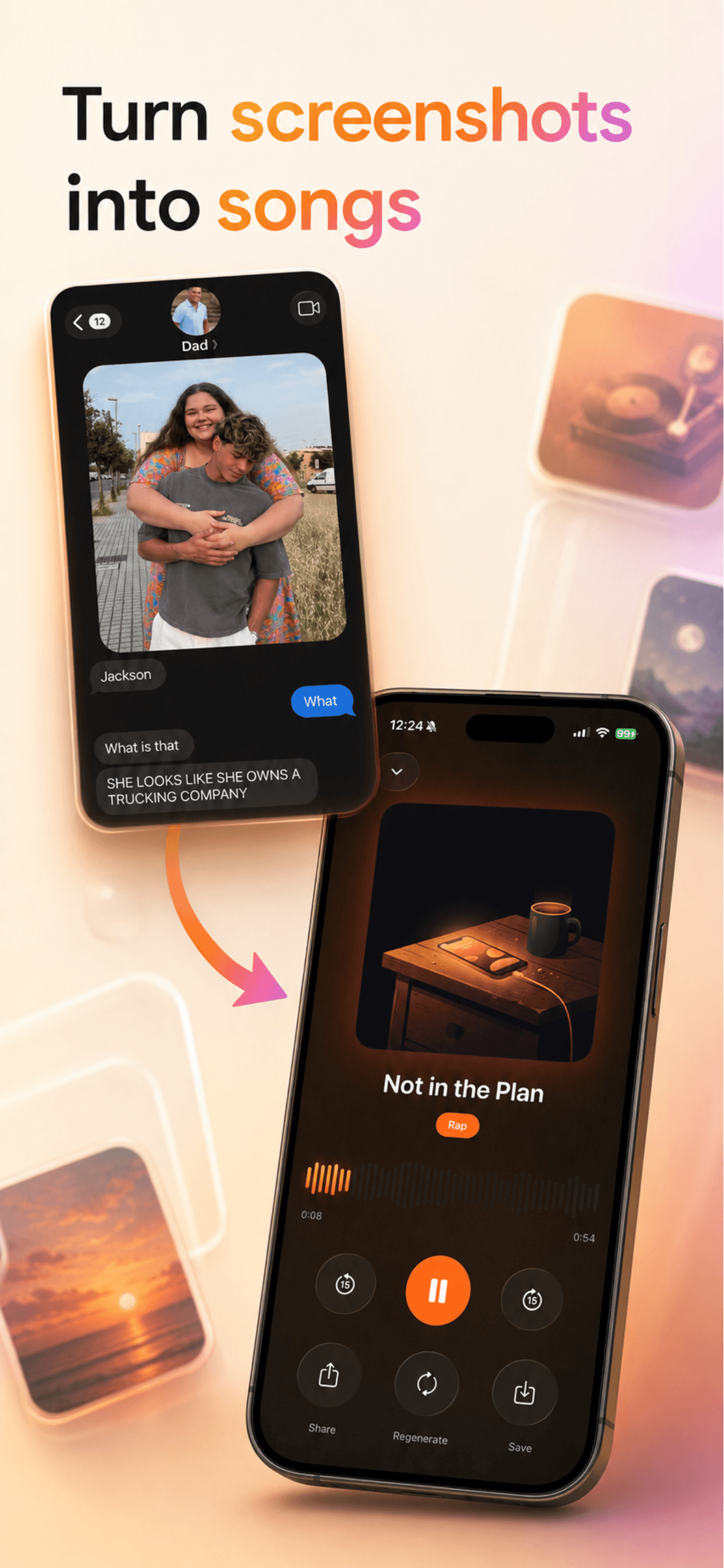
Turn screenshots into songs. Word for word.
Send it your group chat and every line survives. The joke stays yours — Solia sings it back, exactly as it was written.
One line. Any genre. Any vibe.
Describe it however you want — “a gospel song about surviving my group chat” — and pick a style. Pop, drill, emo, country, whatever fits.
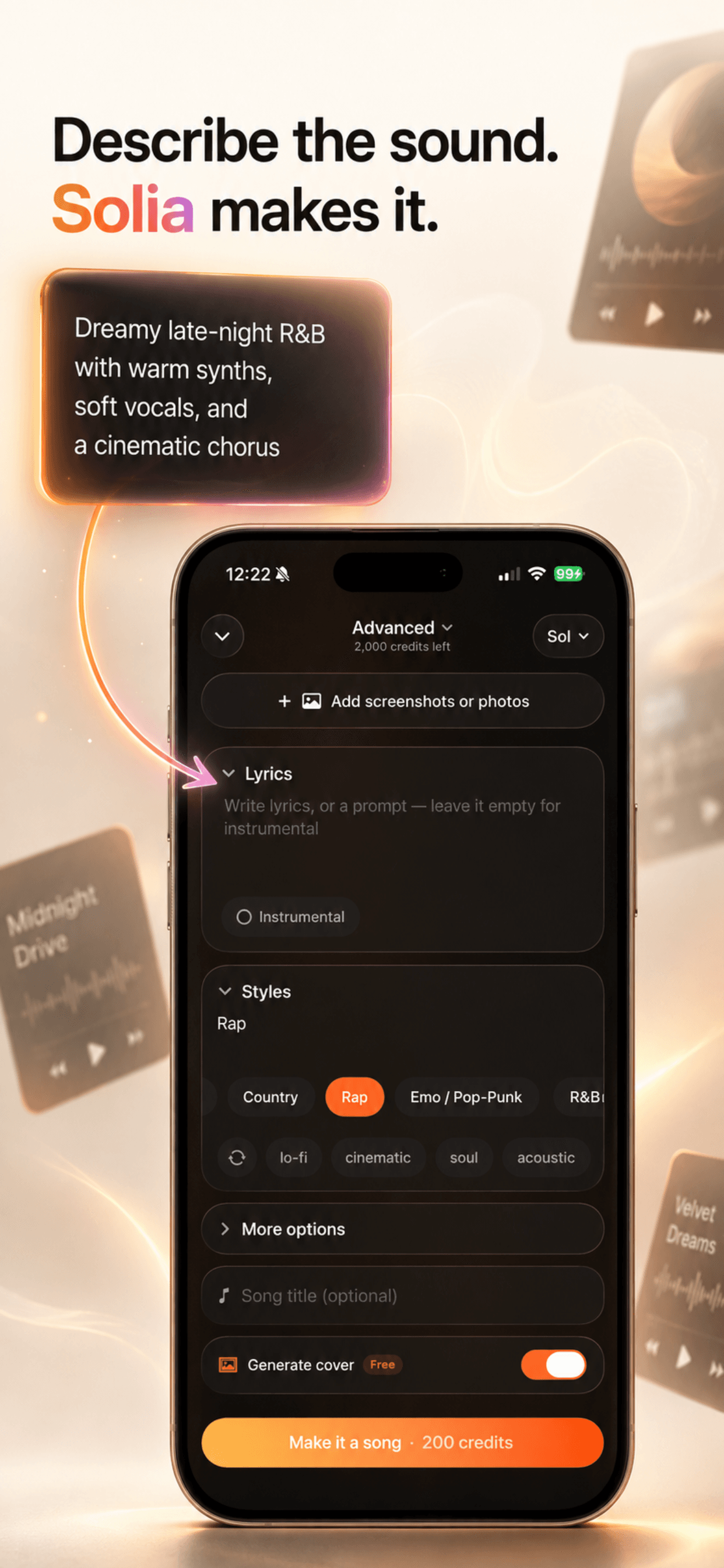
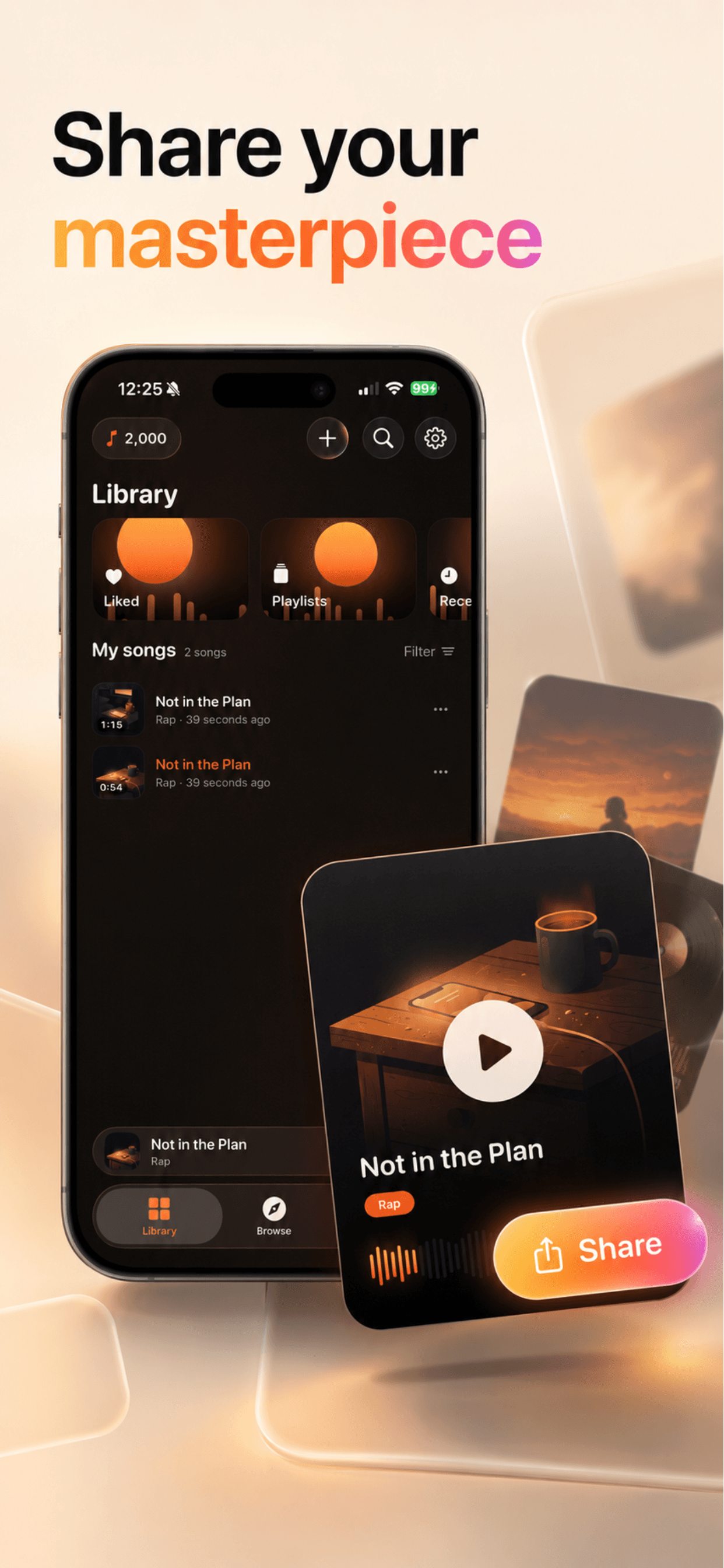
Your songs, ready to share.
Every track gets its own cover art. Keep them private, publish them, or send them to the person they’re about.
How it works.
Add a screenshot, a photo, or an idea
Whatever you have. A conversation, a picture, one sentence.
Pick a vibe
Choose a genre and describe the sound — or let Solia choose for you.
Get a full song
Lyrics, a finished track, and its own cover art, in about a minute.
Turn anything into a song.